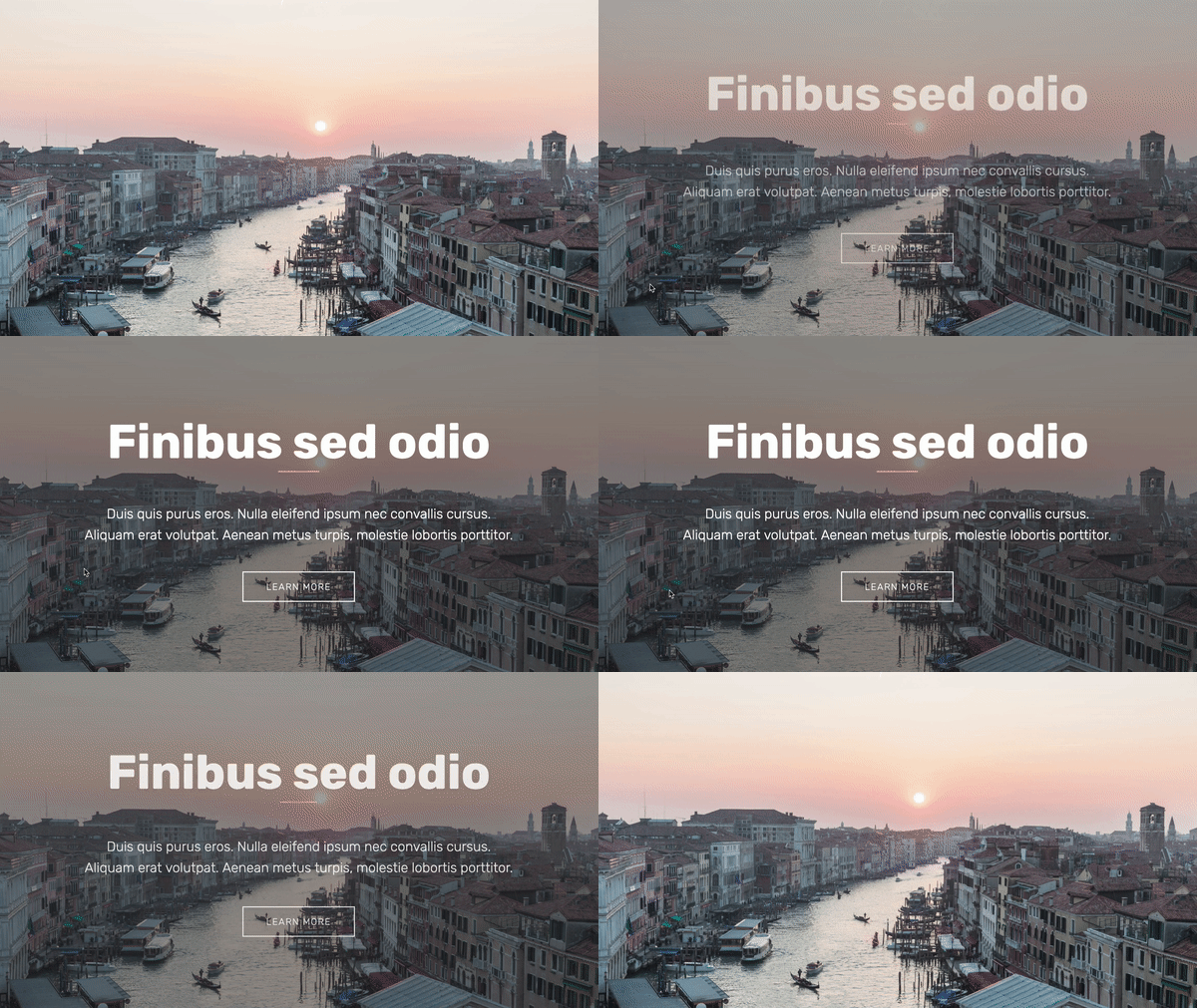
Fill in any header text with an animated GIF.
Read More
Fill in any header text with an animated GIF.
Read MoreFill in any header text with an animated GIF on hover
Read MoreEasily change the color of any bold text.
Read MoreMake all buttons within the button block the same width.
Read MoreAdd a thicker line underneath hyperlinks.
Read MoreUpdate the play button icon to your own icon.
Read MoreAlign images in an image block to the left – perfect for icons
Read MoreAdd a solid drop shadow to any button, any size.
Read MoreAdd a simple underline style to the newsletter block.
Read MoreEasily turn the “read more” text into a full width button.
Read MoreThis is a promoted plugin. Use ghostplugins for 15% off. Ad
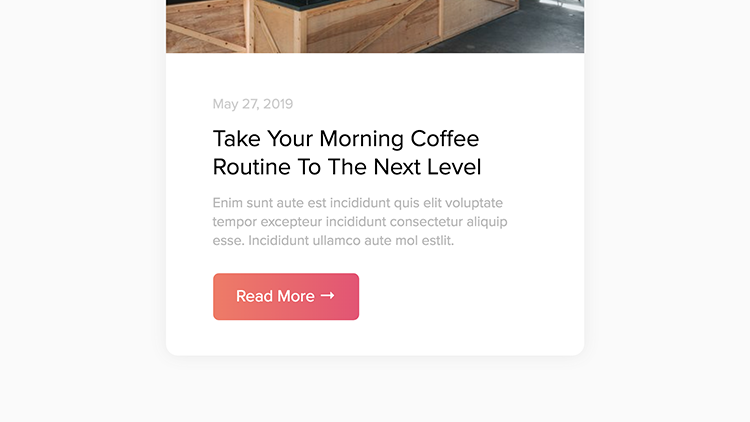
Read MoreEasily turn the “read more” text into a gradient button
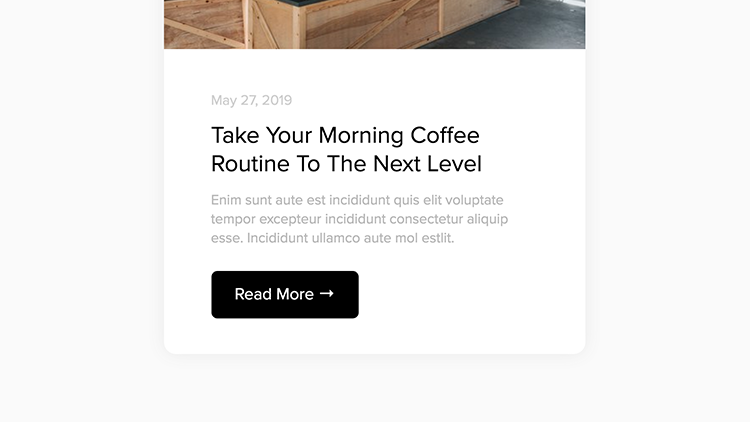
Read MoreEasily turn the “read more” text into a button.
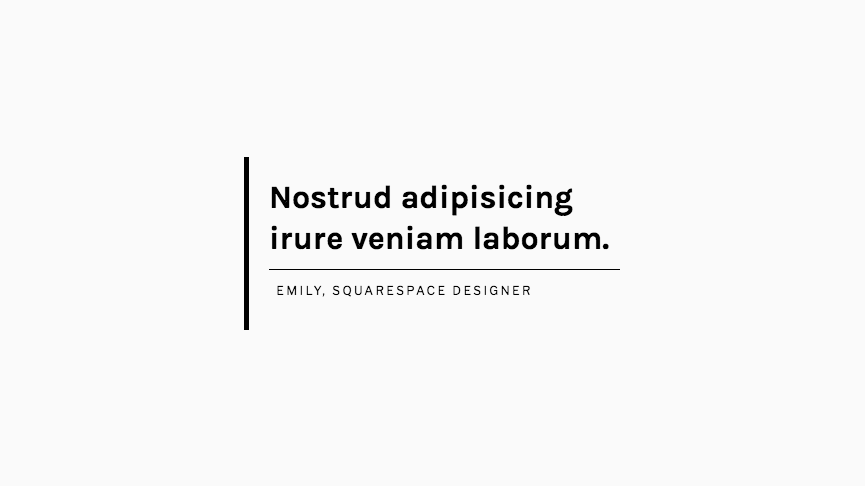
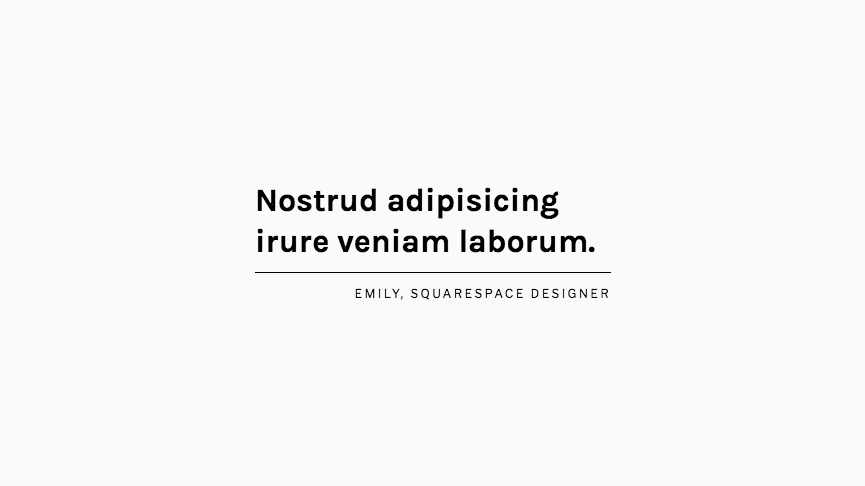
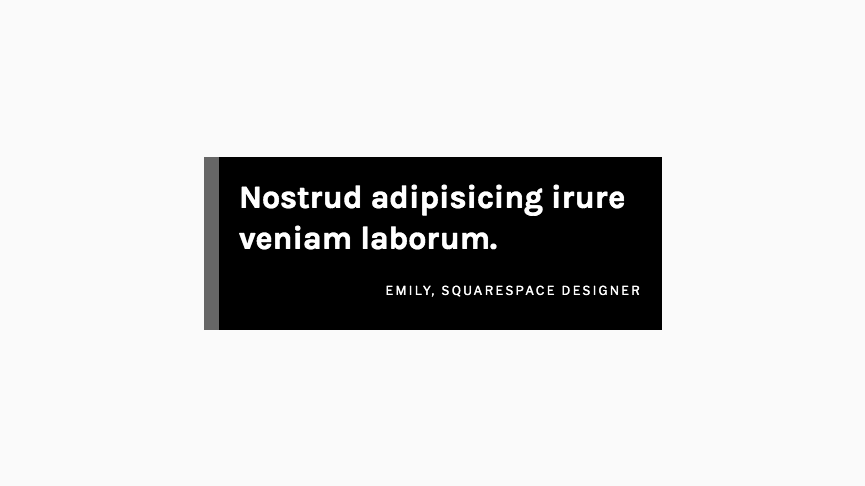
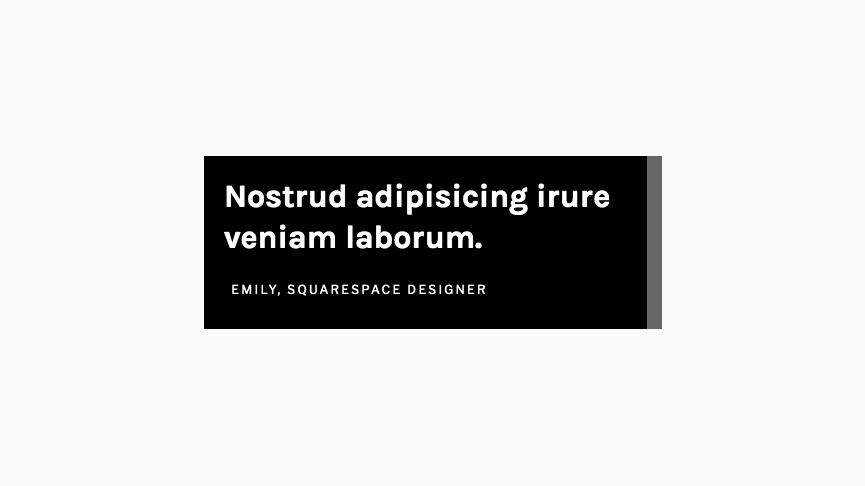
Read MoreChange up the quote block’s look with this simple style.
Read MoreChange up the quote block’s look with this simple style.
Read MoreChange up the quote block’s look with this simple style
Read MoreChange up the quote block’s look with this simple style
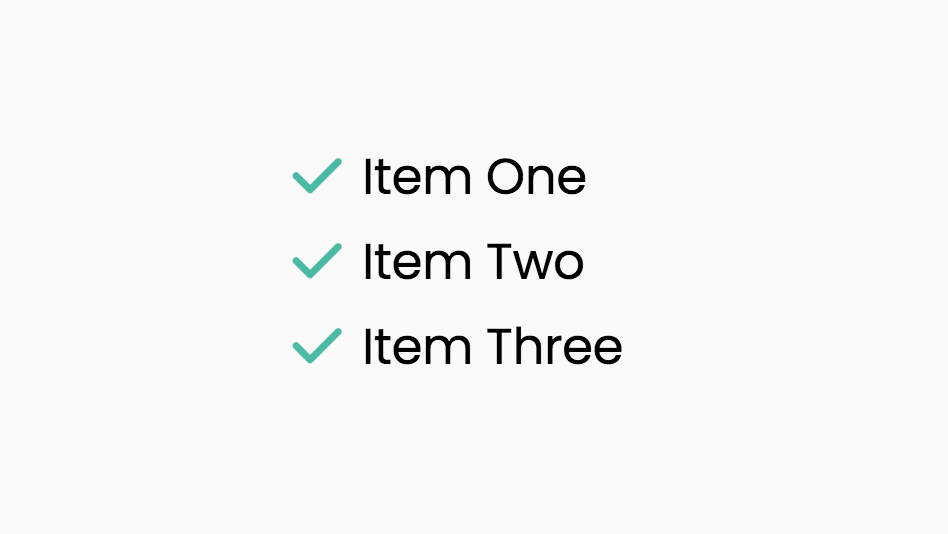
Read MoreEasily change the bullet point symbol to your own icon.
Read MoreAdd an animated gradient color style to header text.
Read MoreAdd an animated gradient color style to any button block.
Read MoreEasily create and add a button to the announcement bar.
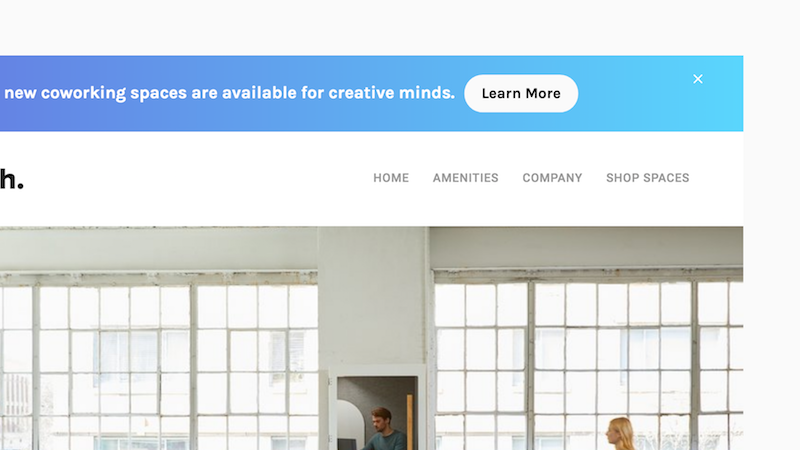
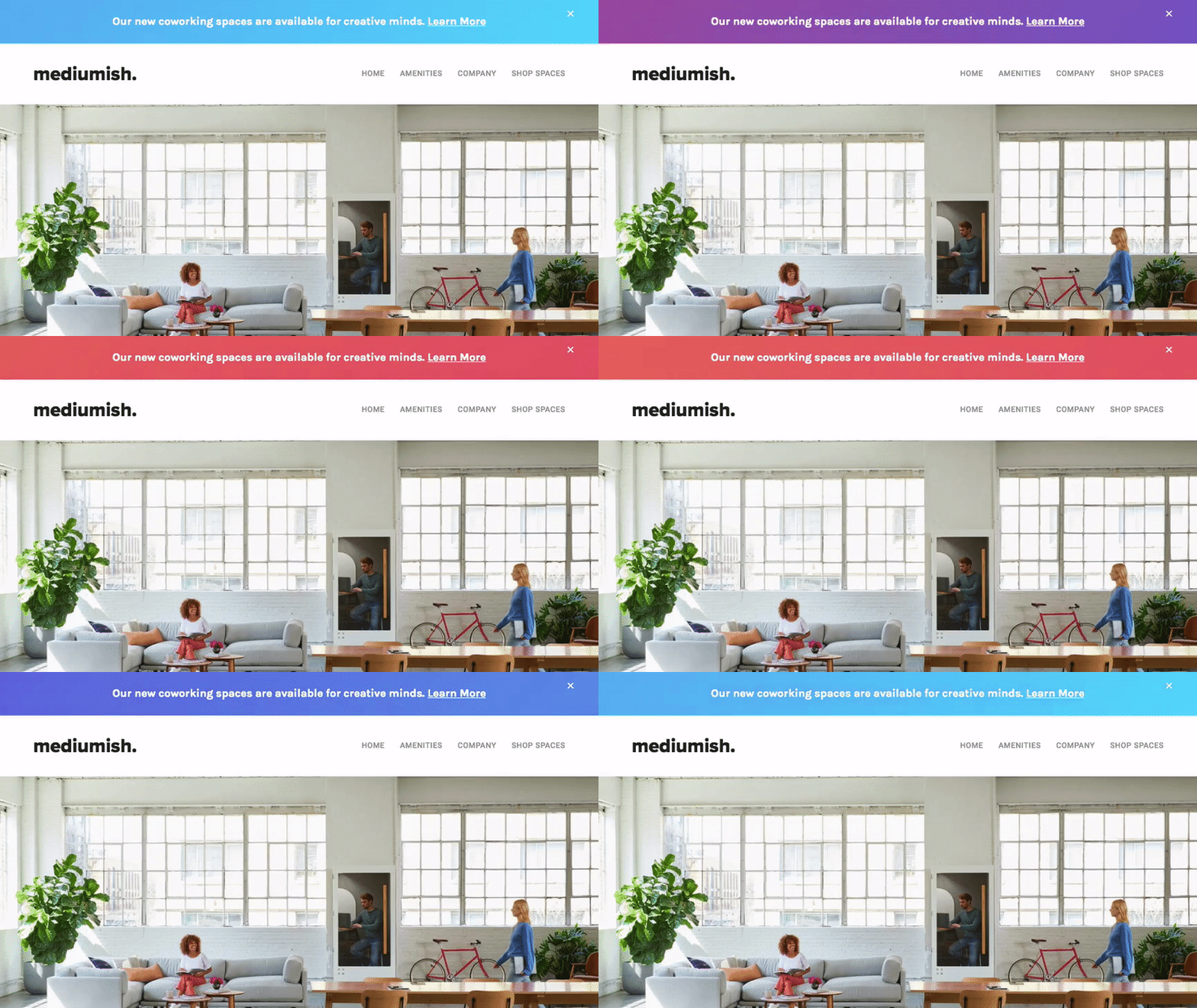
Read MoreAdd an animated gradient color style to the announcement bar.
Read MoreMake the announcement bar thicker in height.
Read MoreEasily change the color of all quote block text.
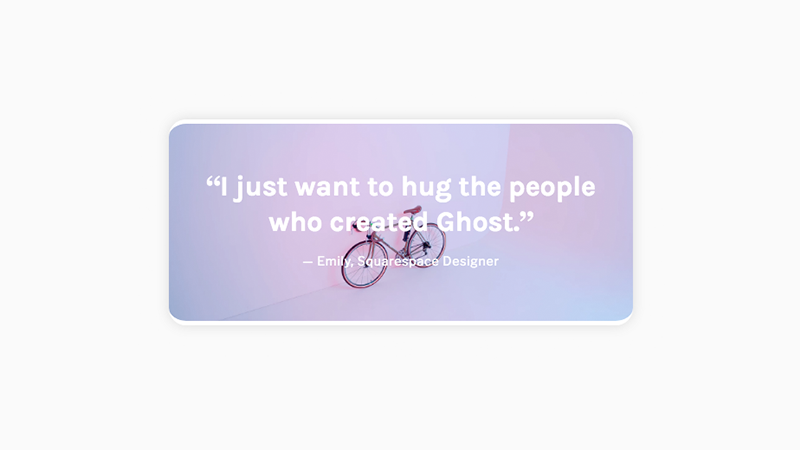
Read MoreGive the quote block a background image.
Read MoreUpgrade the quote block with this pretty style.
Read MoreAdd an animated gradient color style to the quote block.
Read MoreAdd a gradient color style to the quote block.
Read MoreEasily give the quote block a new style.
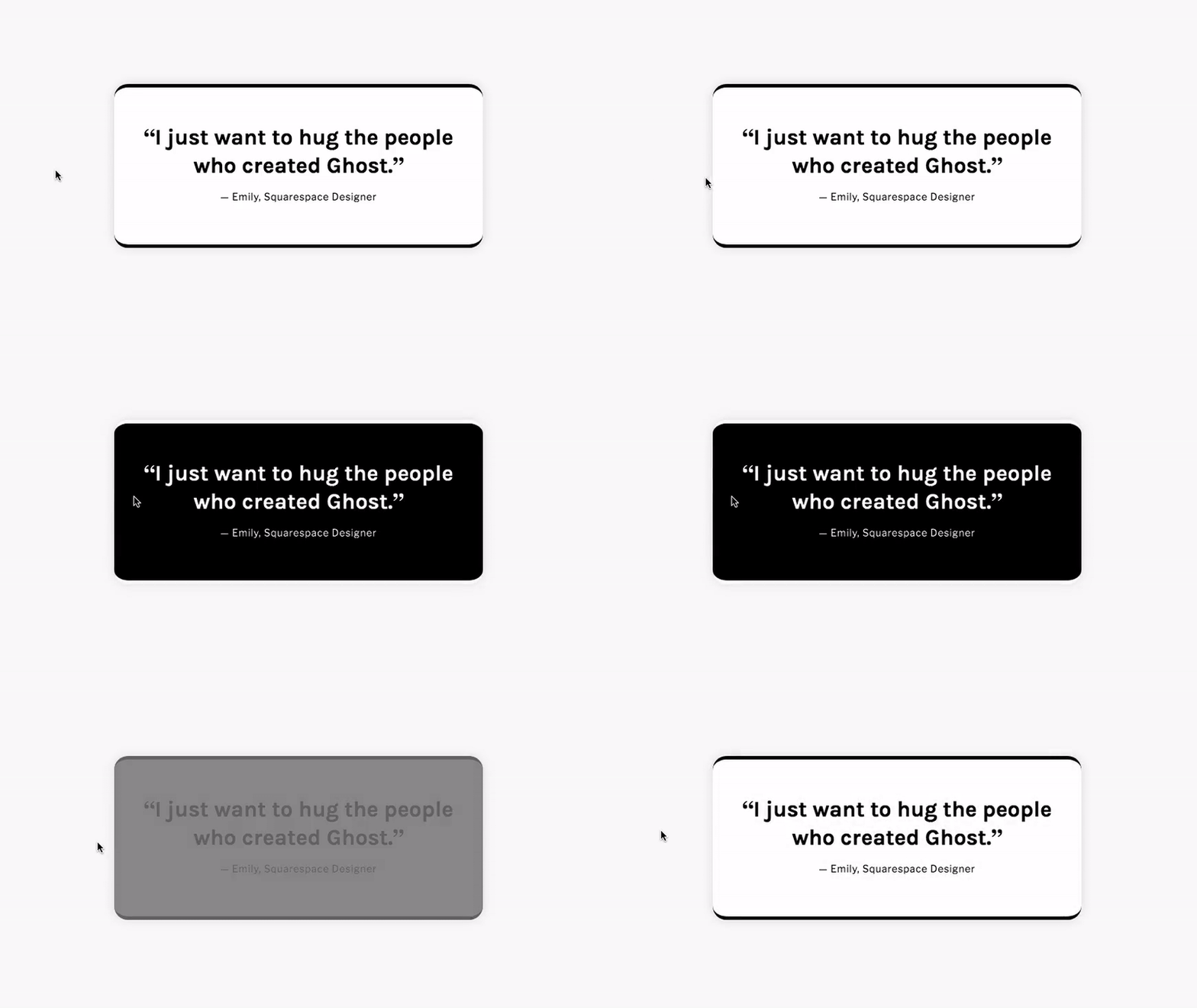
Read MoreSimple and minimal inverted style when hovered over.
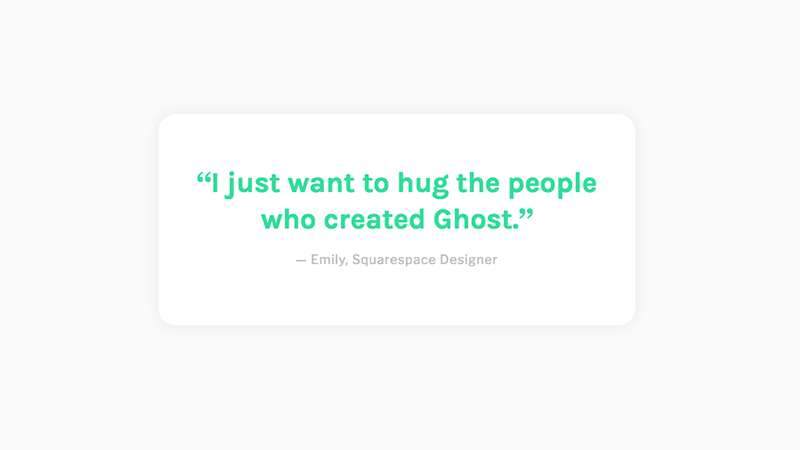
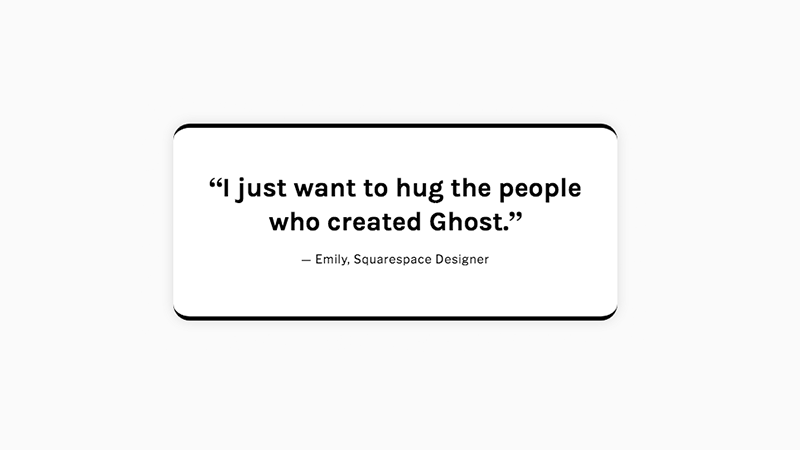
Read MoreGive the quote block a simple and minimal style.
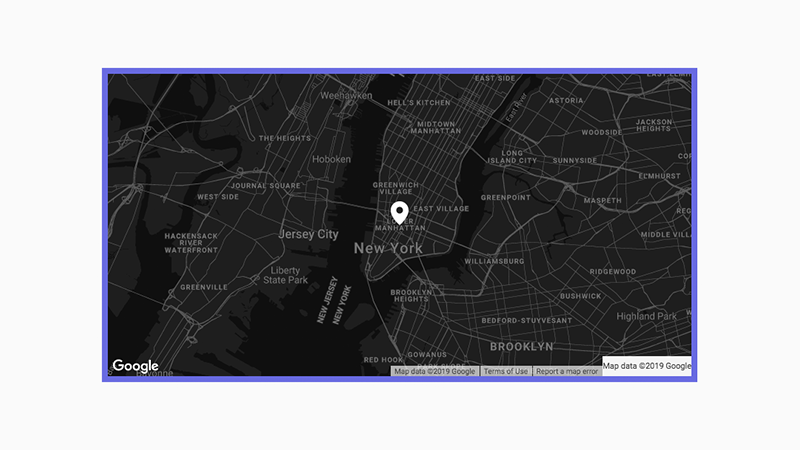
Read MoreEasily add a colored border around the map block.
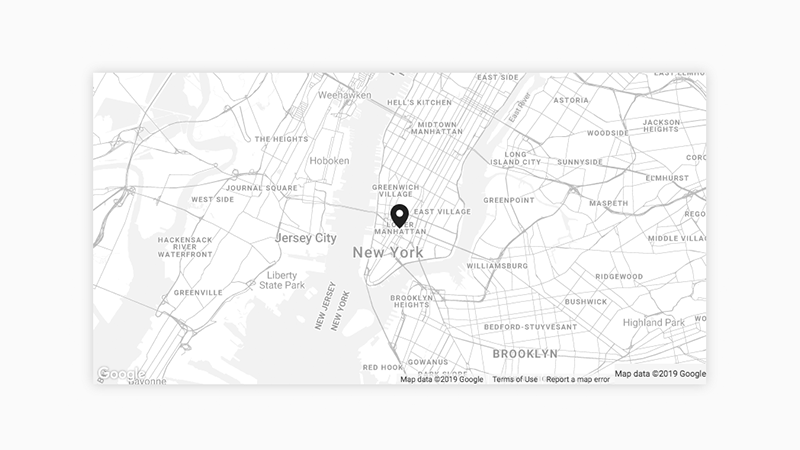
Read MoreEasily add a faded drop shadow to the map block.
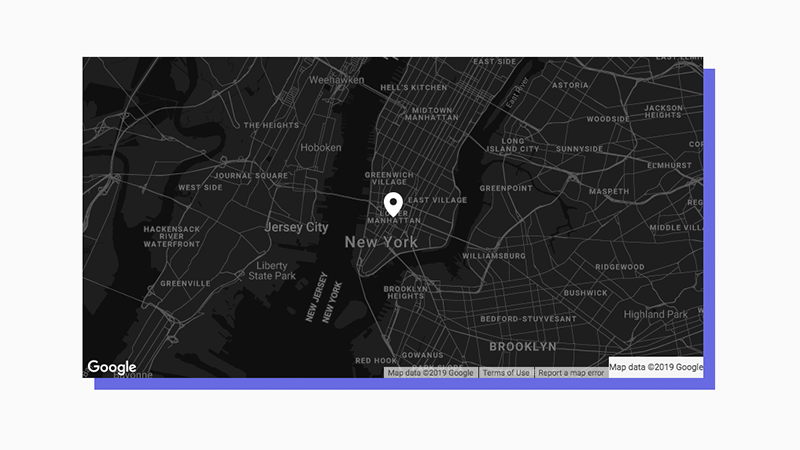
Read MoreEasily add a solid drop shadow to the map block.
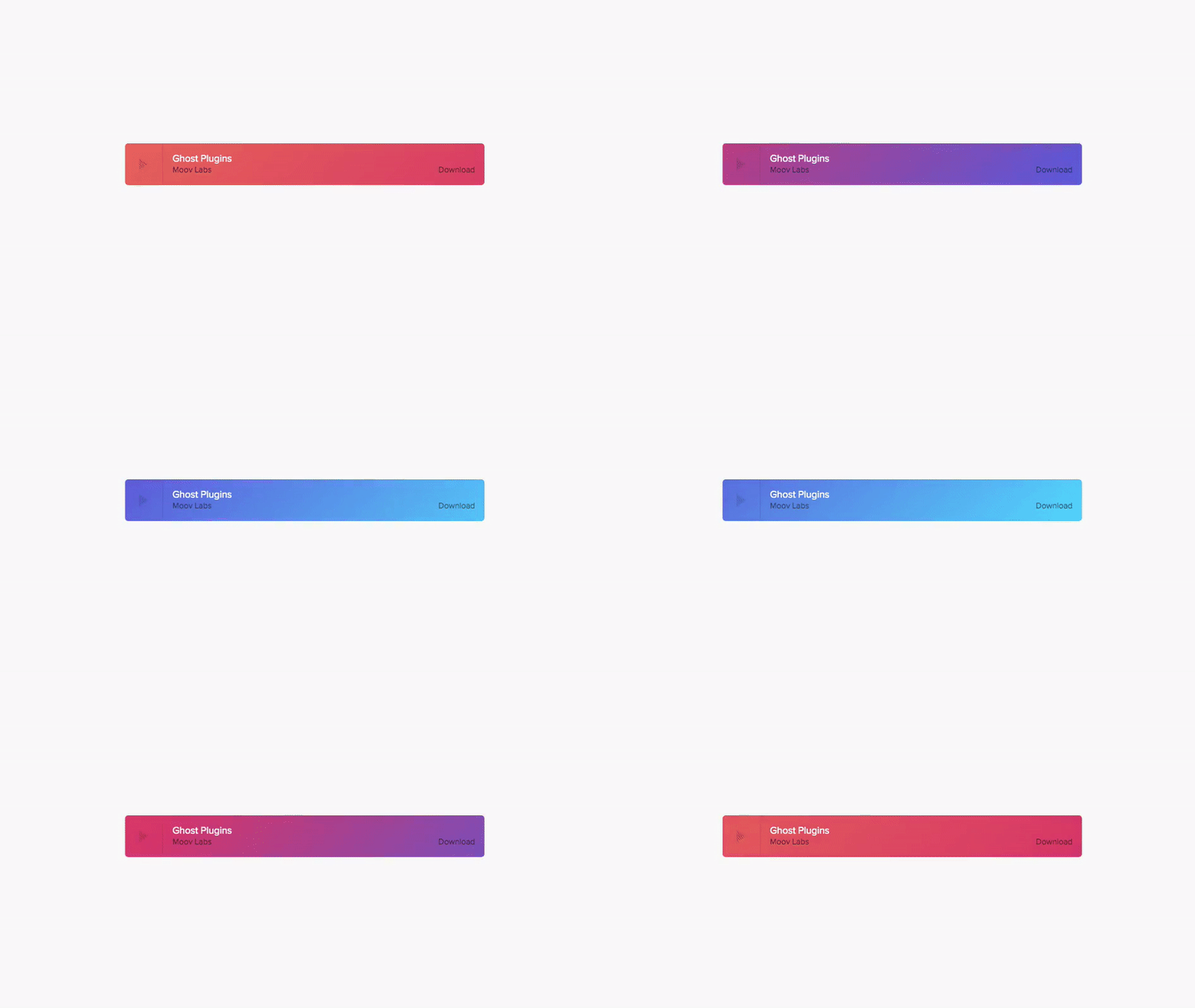
Read MoreUpgrade the audio block with an animated gradient style.
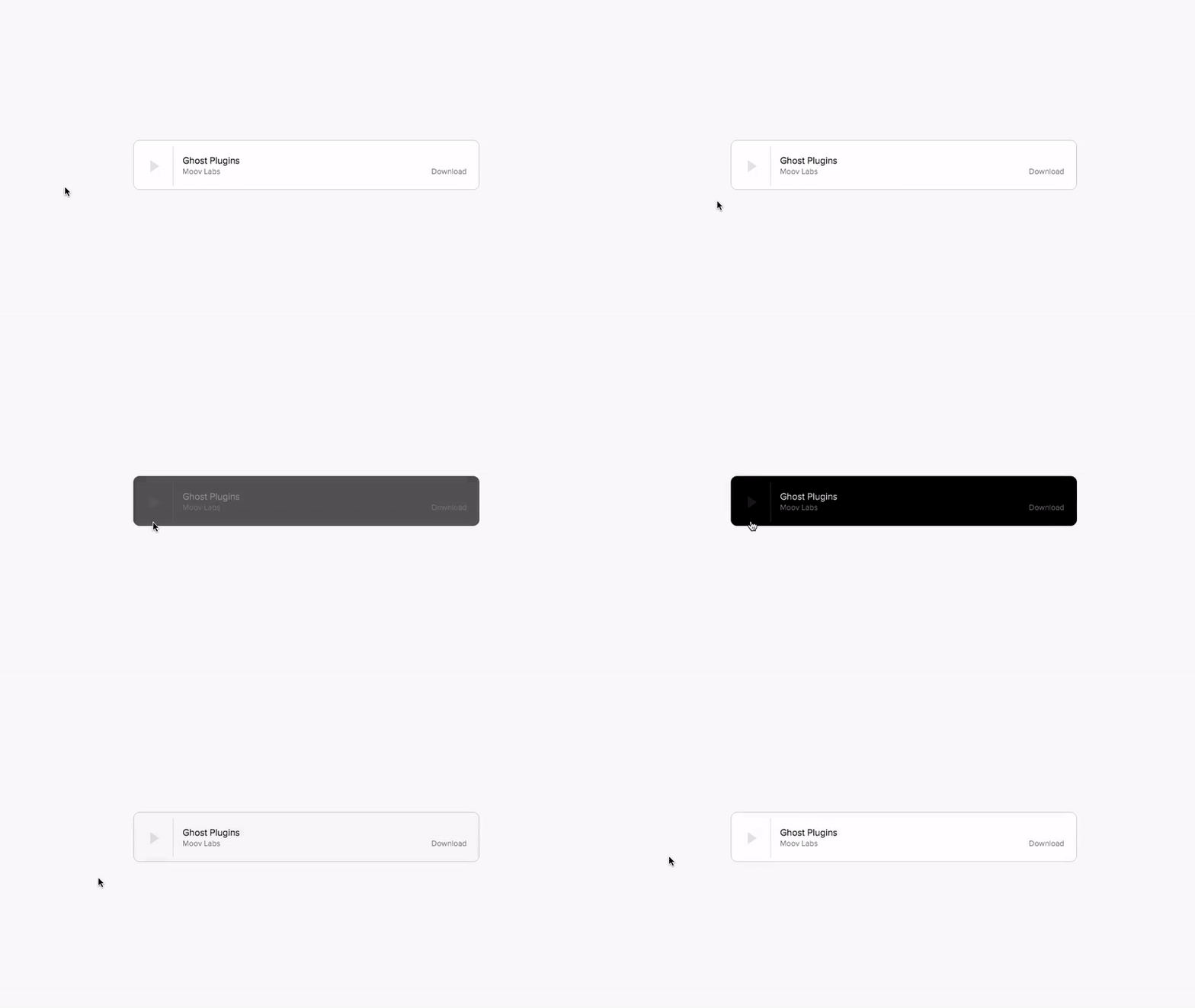
Read MoreInvert the audio block when hovered over
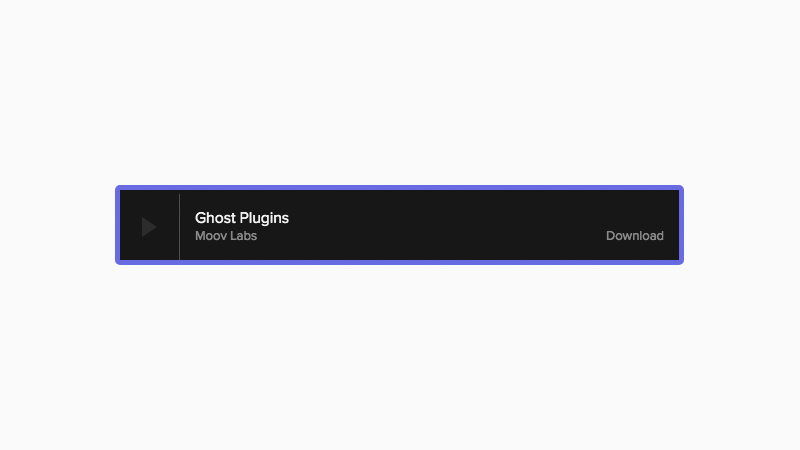
Read MoreClean and simple border around the audio block.
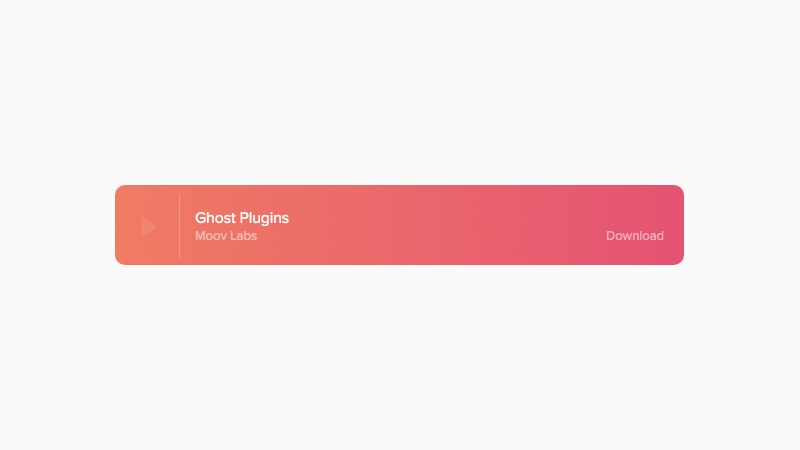
Read MoreUpgrade the audio block’s color with a gradient style.
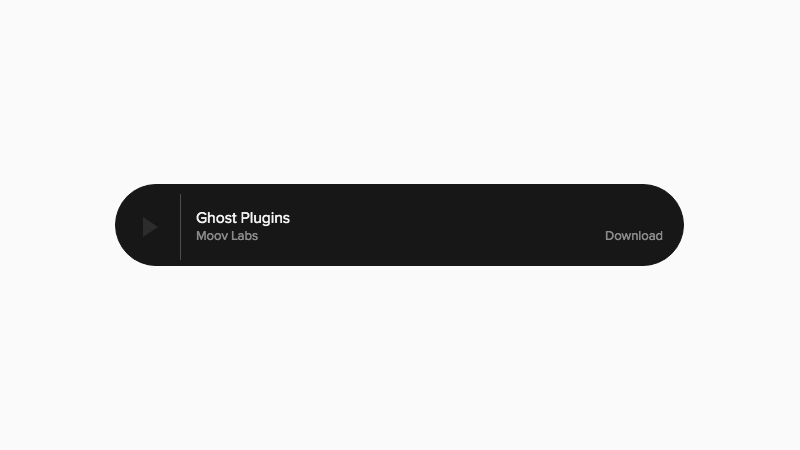
Read MoreGive the audio block an updated look with a pill style.
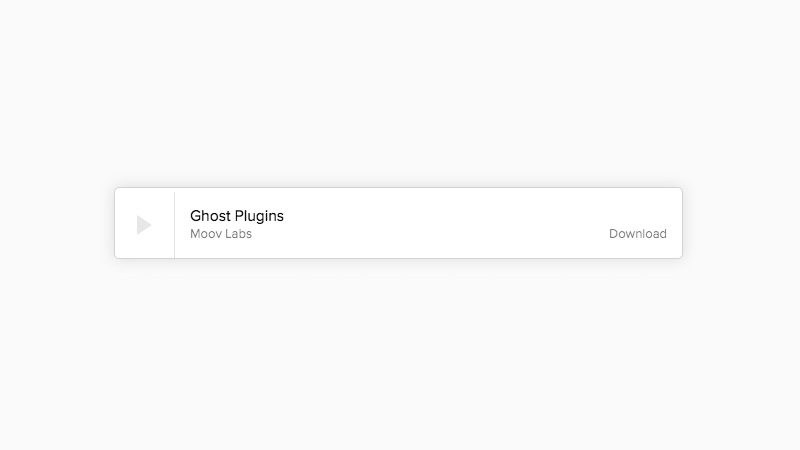
Read MoreAdd a simple drop shadow effect to the audio block.
Read More